The modern alternative to biometric attendance.

If your fingerprint or face terminals are failing, costly to maintain, or raising privacy questions, there's a lighter way to prove who's at work: a badge, a one-time code and GPS, on any phone. No scanners, no terminals, no biometrics to store.

Why teams move on

Biometric terminals carry hidden costs.

A fingerprint or face clock works, until it doesn't. Three things quietly add up.

Hardware to maintain

A terminal to buy, mount, power and network at every site, and to repair or replace when it fails.

Sensitive data to secure

Fingerprints and faces are personal data you now have to store, protect and account for.

One device, one point of failure

When the scanner is down (power cut, dust, a broken reader), no one at that site can clock in.

Side by side

Biometric time clocks vs KlensClock.

Proof of presence

Biometric terminal: a fingerprint or face scan at a fixed device.
KlensClock: a badge scan + a one-time code + GPS, on any phone.

Hardware

Biometric terminal: a device to buy, mount and maintain at every site.
KlensClock: none, any phone or a shared tablet.

Biometric data

Biometric terminal: fingerprints or faces captured and stored.
KlensClock: none in the core, no fingerprints or faces held.

If a device fails

Biometric terminal: clock-ins at that site stop until it's repaired.
KlensClock: runs on any phone, and works offline, then syncs.

Across sites

Biometric terminal: a device, and its cost, at every location.
KlensClock: one platform across every site.

Into payroll

Biometric terminal: export from the device.
KlensClock: verified hours flow straight to pay you control.

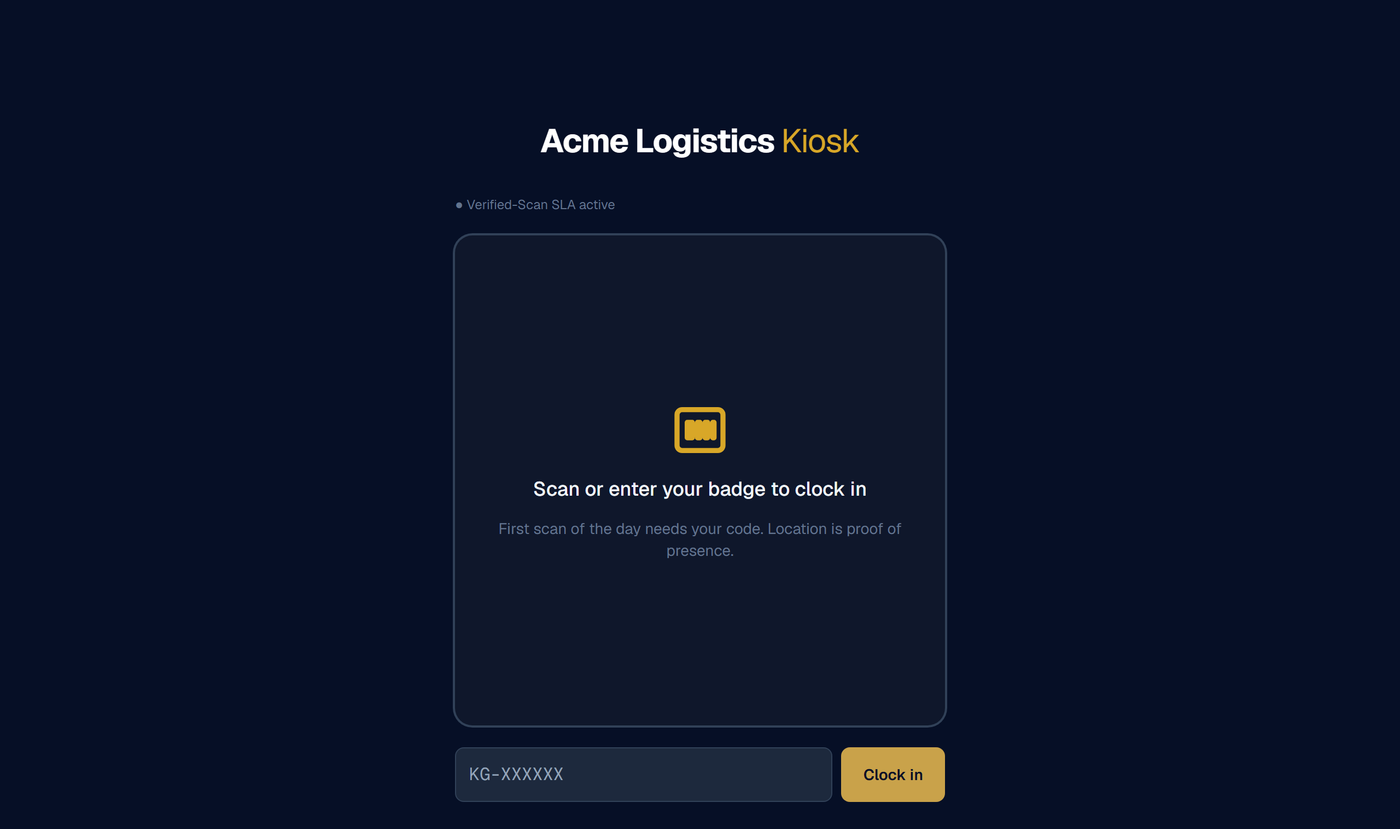
The KlensClock verified-scan kiosk: badge, one-time code and GPS in one tap

Any phone or a shared kiosk, no terminal to buy or maintain.

Proof, not biometrics

How KlensClock proves presence, without a scan.

  • It's really them. A badge and a one-time code from the employee's own authenticator
  • They're really there. A GPS location, where the device allows
  • No hardware. Any phone or a shared tablet; a site goes live in a day
  • No biometrics in the core. No fingerprints or faces stored; the badge photo is display-only, human-checked
  • Verified hours → payroll. Clean hours flow to pay you control
No fingerprint or face scanners, less sensitive data to hold and protect.
FAQ

Questions about going biometric-free.

Do we need a fingerprint or face scanner?

No. KlensClock proves attendance with a badge scan, a one-time code from the employee's own authenticator, and a GPS location where the device allows, all on any phone. No biometric hardware to buy or install.

Does KlensClock store fingerprints or faces?

No. Its core verified-attendance stores no fingerprints or faces. The optional badge photo is display-only and human-checked, not automated matching, so there's less sensitive data to hold and protect.

Our biometric device keeps failing. Can we switch?

Yes. Because KlensClock runs on any phone or a shared tablet, there's no single terminal to fail. It works offline and syncs when back online, and a site can go live in a day.

How do you stop buddy-punching without biometrics?

The one-time code comes from each employee's own authenticator and GPS confirms where the scan happened. With the badge, they confirm the right person, time and place. Buddy-punching is designed against.

Retire the scanner. Keep the proof.

See verified, biometric-free attendance running on your own team, live in days.